


Our Experts Get These Questions All the Time
Bart Jan Voskamp, Oct 20, 2026
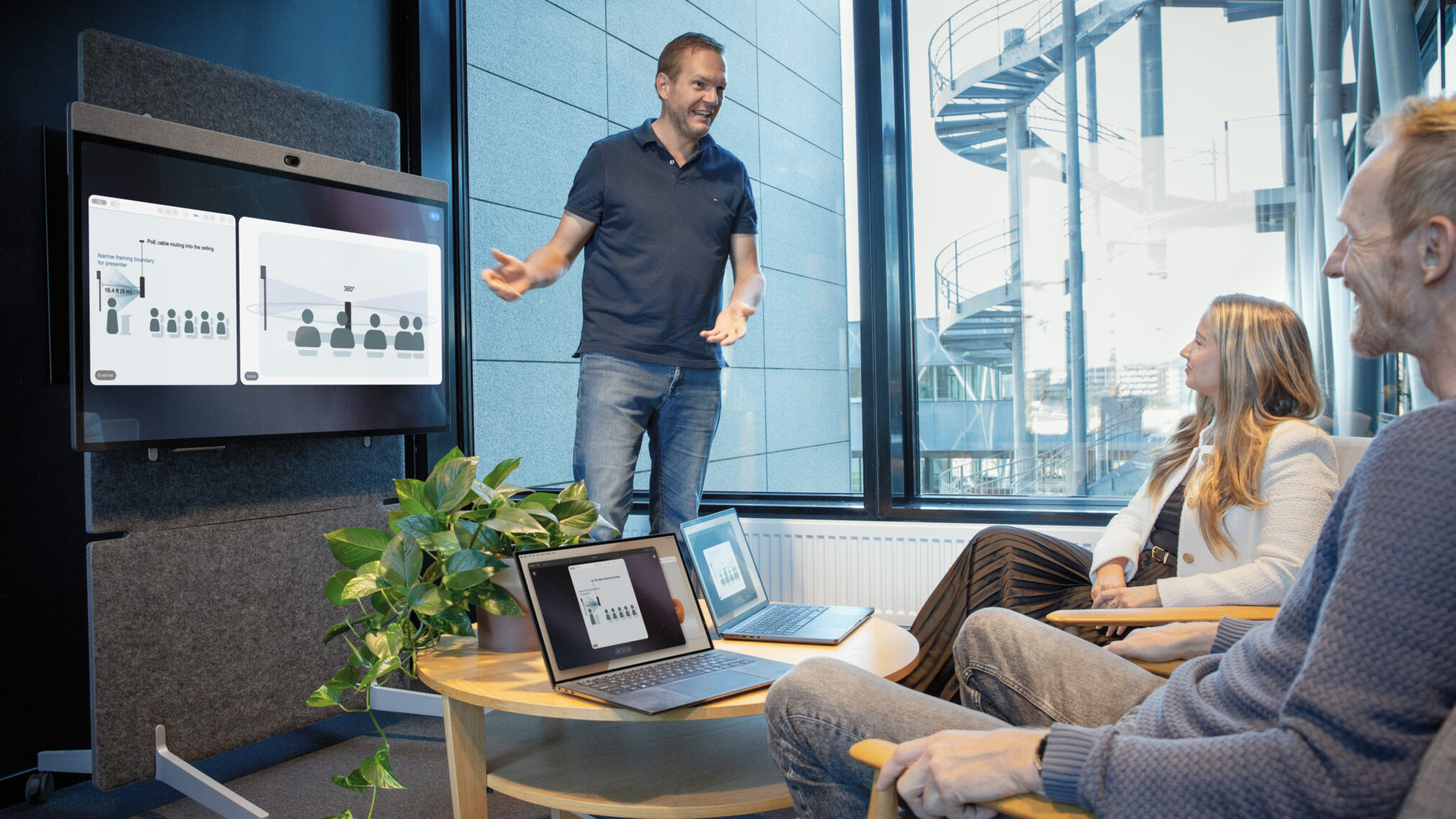
My Solutions Engineering team and I get asked a lot of questions about Neat. Here are five that come up regularly—and the answers.
As Solutions Engineers, we spend every day helping customers and partners get more from Neat. Sometimes that means answering a straightforward setup question. More often, we’re brought into the conversation when things get more interesting: planning a new room, adapting technology to an unusual space, integrating different systems, exploring APIs, or finding the best way to achieve something with a particular setup.
That hands-on work gives us a close-up view of how people use Neat in the real world, and the questions that emerge as they push their meeting spaces further. Some are highly technical. Others come down to one simple setting or practical tip that can make a surprisingly big difference.
Along the way, certain questions come up again and again. Here are five worth knowing the answers to:
1. How can I extend microphone coverage in a larger room?
If you need greater microphone coverage in a larger room, Neat Center is a great place to start. It combines cameras and microphones in a companion device that brings audio and video closer to the people in the room. For larger spaces, you can add multiple Neat Centers, each independently connected to the network, to extend that coverage even further.
If you already have an external audio system, you can also connect it over USB to a Neat Bar Pro or Neat Board Pro, giving you additional flexibility to adapt Neat to your room and existing AV setup.
Exactly what you can connect and how USB audio behaves depends on your configuration, so we’ve put together a full guide to the available options.
Explore audio over USB on Neat Bar Pro and Neat Board Pro
2. How can I optimize my Neat experience with Google Meet?
Neat devices use advanced microphone technology to capture voices throughout the room clearly. To preserve that audio quality in Google Meet, we recommend turning off Google’s noise cancellation so Neat can handle the audio processing.
The same principle applies to video. Neat’s Intelligent Framing helps ensure everyone in the room is seen clearly and naturally. To use Neat’s Intelligent Framing with Google Meet, set Google’s Default camera framing to Manufacturer framing.
These simple adjustments allow Neat’s built-in audio and video intelligence to do what it does best, helping you get the optimal meeting experience from your Neat device.
3. How do I get started with the Neat Pulse API?
Neat Pulse isn’t just a way to manage your Neat deployment. Its APIs let you go further by connecting Neat with your own tools and workflows.
Start by setting up and managing an API account in the Neat Pulse management platform. From there, you can explore the Neat Pulse API documentation to see what’s possible and start building your own integrations.
Here’s where things get particularly interesting. Give the API documentation URL to your preferred AI tool, describe what you want to achieve, and it can help you build a solution using the Neat Pulse APIs in seconds.
View the Neat Pulse API documentation
4. What’s the best way to position Neat Center?
You have plenty of flexibility.
Neat Center doesn’t need to be fixed to the table, so you can reposition it whenever your room setup or needs change. The default setup places it in the middle of the table.
If you choose to mount Neat Center from the ceiling, make sure it doesn’t obstruct anyone’s view of the screen and keep the camera as close to eye level as possible.
Learn more in our Neat Center Integration Design Guide
5. I’m rebuilding my meeting rooms. How can I prepare them for the future?
We’re continually innovating and expanding the Neat portfolio, so it pays to build some flexibility into your rooms from the start.
Neat devices connect to your network, with many using Power over Ethernet (PoE) wherever possible. If you’re rebuilding a meeting room, make sure you plan for enough network connections to accommodate what you need today and what you might add in the future.
One practical tip: leave a few spare network connections under the meeting room table. It’s a simple step that can give you much more flexibility as your room and technology evolve.
Keep the questions coming.
No two organizations—or meeting spaces—are exactly alike. That’s one of the things our Solutions Engineering team enjoys most about working with customers and partners: understanding what they’re trying to achieve, getting hands-on with the technology, and finding the best way to make Neat work for their people and spaces.
That might involve answering a quick setup question. Other times, we’ll be thinking through a more complex deployment, integration, or room configuration. Either way, we’re always happy to help.
Got another question? Visit Neat Support for guides, troubleshooting, and answers to help you get the most from your Neat devices. Better yet, book a one-on-one demo for personalized advice and guidance.






